
Eliminating Procurement Bottlenecks: Building an Automated Vendor Approval Workflow with n8n and Slack
Stop manual vendor approvals and scale your operations with a robust, automated procurement engine.
The Hidden Cost of Manual Procurement
In most B2B organizations, vendor onboarding is a graveyard of productivity. Emails get lost, W-9 forms sit in unmonitored folders, and finance teams spend hours chasing stakeholders for approval. Implementing an n8n automated vendor onboarding and procurement workflow for B2B isn't just about saving time; it's about mitigating risk and ensuring compliance through standardized data flow.
At Deepak Automation, we see the same bottleneck repeatedly: a fragmented stack where data lives in silos. By connecting your intake forms to your CRM and communication channels, you can turn a 5-day manual process into a 5-minute automated event. Explore our Automation Services & Capabilities to see how we architect these systems for scale.
The Architecture: How We Build It
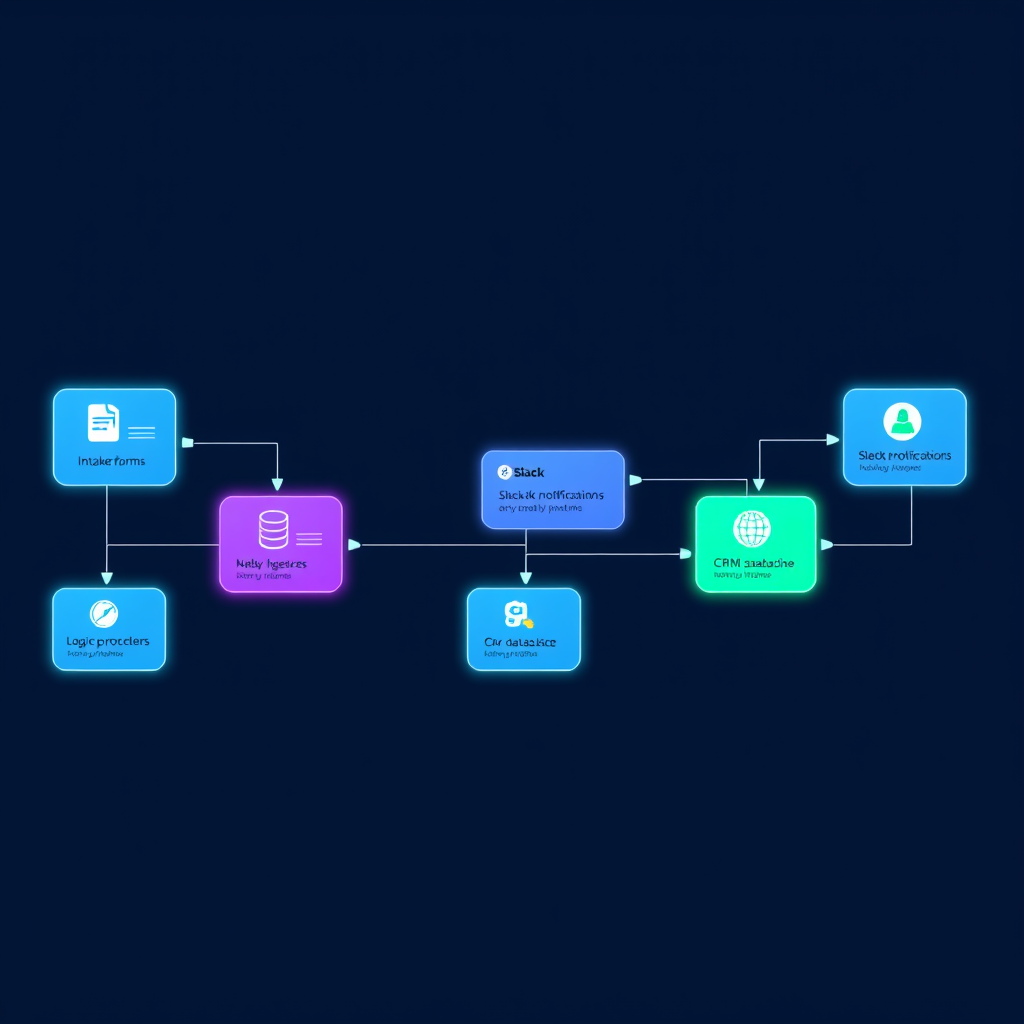
To build a robust procurement engine, we rely on a modular stack. We don't just use one tool; we orchestrate a symphony of APIs. Here is the blueprint we use for our clients:
1. The Intake Layer (Airtable or Typeform)
We start with a structured intake form. Using Airtable as a database allows for real-time validation. When a vendor submits their details, the data is immediately normalized.
2. The Logic Layer (n8n)
n8n is the engine room. Unlike rigid SaaS platforms, n8n allows us to write custom JavaScript nodes to handle complex logic—like checking if a vendor is already in your system or validating tax IDs via external REST APIs.
3. The Approval Layer (Slack)
Instead of email, we push approval requests directly to a dedicated Slack channel. Using Slack's interactive buttons, a manager can click "Approve" or "Reject" without ever leaving their workspace.
4. The System of Record (HubSpot)
Once approved, the vendor data is automatically pushed to HubSpot. This ensures your procurement team has a single source of truth for all vendor interactions.
Case Study: Reducing Onboarding Time by 80%
We recently worked with a mid-market logistics firm struggling with vendor bloat. Their procurement team was manually verifying vendor insurance certificates and manually entering data into their ERP.
We implemented an n8n automated vendor onboarding and procurement workflow for B2B that integrated their intake forms with OpenAI for document parsing. The workflow would:
- Receive a PDF certificate of insurance.
- Use LangChain and OpenAI to extract the expiration date and coverage amount.
- Compare the data against company policy.
- If valid, trigger a Slack notification for final sign-off.
- If invalid, automatically email the vendor requesting a correction.
The Result: The client reduced their average onboarding time from 12 days to 48 hours. The error rate dropped to near zero because the manual data entry was eliminated entirely.
Why n8n Over Traditional iPaaS?
Many businesses start with Zapier, but they hit a wall when they need complex loops, custom error handling, or high-volume API calls. n8n offers:
- Self-hosting capabilities: Keep your sensitive procurement data within your own infrastructure.
- Version Control: Treat your workflows like code.
- Cost Efficiency: No per-task pricing, which is critical when you are processing thousands of vendor invoices or onboarding requests.
Building Your Own Workflow: A Step-by-Step Guide
If you are ready to start building, follow this high-level roadmap:
Step 1: Define Your Data Schema
Before building, map out exactly what fields you need. Don't just collect "Vendor Name." Collect tax IDs, payment terms, and insurance documents. Standardizing this data is the most important step in any n8n automated vendor onboarding and procurement workflow for B2B.
Step 2: Set Up Webhooks
Use webhooks to trigger your n8n workflows. Whether it's a form submission or a change in a Google Sheet, your workflow should be event-driven, not scheduled.
Step 3: Implement Error Handling
In production, things break. APIs go down, and data formats change. Always include "Error Trigger" nodes in n8n to alert your engineering team via Slack if a workflow fails. Never let a procurement request disappear into a black hole.
Step 4: Secure Your API Keys
Use environment variables in n8n to manage your API keys for HubSpot, Slack, and OpenAI. Never hardcode credentials in your workflow nodes.
Ready to Automate Your Procurement?
Building these systems requires more than just connecting dots; it requires a deep understanding of API rate limits, data integrity, and business logic. If you are tired of manual bottlenecks and want to build a scalable procurement engine, we are here to help.
We specialize in building custom, agentic AI workflows that integrate seamlessly with your existing tech stack. Don't let manual processes hold your growth back. Book a Free Automation Audit today, and let's map out your path to operational excellence.