

Boost Your B2B Sales with Automated Meeting Scheduling: n8n and Calendly Integration
Streamline lead follow-up and close deals faster with n8n and Calendly automation.
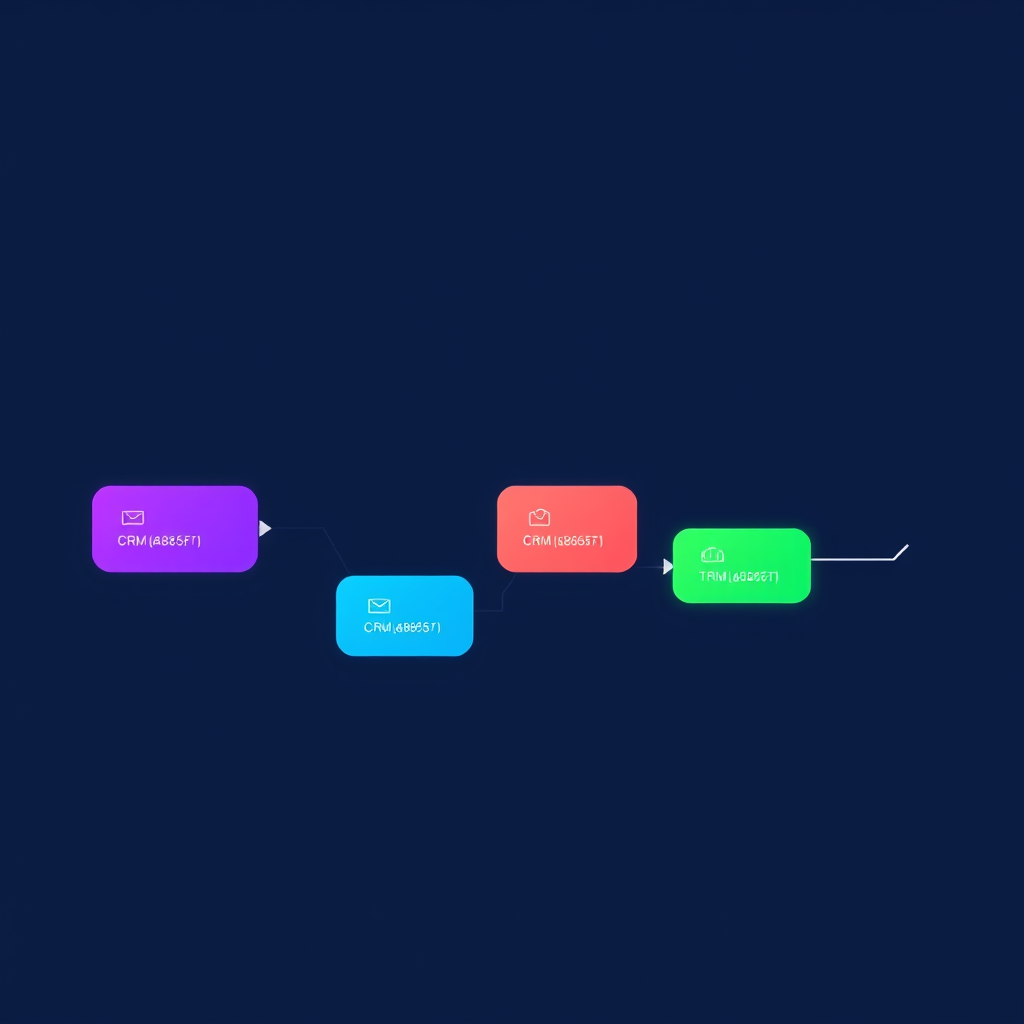
Streamlining B2B Sales: The Power of n8n and Calendly Integration
In the fast-paced world of B2B sales, every second counts. Leads come in from various channels – website forms, LinkedIn outreach, trade shows, and more. The critical bottleneck often isn't generating leads, but efficiently converting those leads into meaningful conversations. Manual follow-up is time-consuming, prone to errors, and can lead to lost opportunities. This is where robust automation becomes indispensable. Specifically, implementing an n8n Calendly integration for B2B automated meeting scheduling can dramatically accelerate your sales cycle.
At Deepak Automation, we engineer solutions that tackle these exact challenges. We've built numerous workflows that integrate best-in-class tools to create seamless, automated processes. This article dives deep into how you can leverage n8n and Calendly to automate your meeting scheduling, freeing up your sales team to focus on what they do best: building relationships and closing deals.
The Problem: Manual Meeting Scheduling Kills Sales Velocity
Consider a typical B2B sales process. A prospect fills out a contact form on your website. The lead lands in your CRM (like HubSpot). A sales development representative (SDR) then needs to:
- Receive a notification (email, Slack).
- Manually qualify the lead based on initial data.
- Find the prospect's availability (often via email tag-of-war).
- Send a Calendly link (or similar scheduling tool).
- Wait for the prospect to book.
- Update the CRM with the scheduled meeting details.
Each of these steps, while seemingly small, adds friction. If the SDR is handling multiple leads, or if the prospect is busy, the delay can be significant. A lead that is hot today might be lukewarm or cold by the time a meeting is finally booked. This is a direct hit to sales velocity and, ultimately, revenue.
The Solution: n8n and Calendly for Seamless Automation
This is where the n8n Calendly integration for B2B automated meeting scheduling shines. n8n is an open-source workflow automation tool that provides immense flexibility and power. Calendly is a leading scheduling automation platform that simplifies booking meetings. By connecting them, we can automate the entire process from lead capture to meeting confirmation.
How the n8n Calendly Integration Works
At its core, the integration involves n8n acting as the orchestrator. It listens for new leads (e.g., via a webhook from your CRM or website form), processes them, interacts with Calendly to find suitable slots, and then communicates back to both the prospect and your sales team.
Here’s a high-level workflow we often implement:
- Lead Capture: A new lead is created in HubSpot (or another CRM/database like Airtable or Google Sheets).
- n8n Trigger: HubSpot triggers an n8n workflow via a webhook. Alternatively, n8n can poll HubSpot at regular intervals.
- Lead Qualification (Optional but Recommended): n8n can perform initial checks. Does the lead meet basic criteria (e.g., company size, industry)? This can be done by looking up data within HubSpot or external sources.
- Check Prospect Availability: n8n uses the Calendly API to check the availability of the assigned sales representative.
- Send Personalized Scheduling Link: If the lead meets criteria, n8n sends a personalized email (using your email provider or directly from HubSpot) to the lead. This email contains a unique Calendly scheduling link, pre-configured with the SDR's availability and potentially the lead's name or company for personalization.
- Meeting Confirmation: Once the prospect books a meeting via Calendly, Calendly sends a webhook notification back to n8n.
- CRM Update: n8n receives the confirmation, extracts the meeting details (time, date, attendees), and updates the lead record in HubSpot. This is crucial for visibility and tracking.
- Internal Notification: n8n sends a Slack notification to the assigned SDR, confirming the meeting and providing all relevant details.
This entire sequence, which previously involved multiple manual steps and potential delays, now happens automatically within minutes.
Building the Workflow: A Practical Example with n8n and HubSpot
Let's walk through a simplified, yet powerful, implementation. We'll assume leads are coming into HubSpot and we want to automate sending a Calendly link for a discovery call.
Step 1: Setting up the n8n Workflow
- Trigger Node: Start with a HubSpot trigger node. Configure it to listen for "New Contact" events. This node will fire whenever a new contact is created in your HubSpot portal.
- HubSpot Get Record Node: Immediately after the trigger, use a "HubSpot Get Record" node to fetch the full details of the newly created contact. This ensures you have all the necessary information (email, name, company, etc.).
- Conditional Logic (If Node): Implement an "If" node to check if the contact meets your basic qualification criteria. For instance, check if the
emailproperty is not empty and if a specific custom property (e.g.,lead_source) indicates a channel you want to automate scheduling for. - Calendly API Interaction: If the lead passes the condition, you'll need to interact with the Calendly API. This typically involves:
- HTTP Request Node: Use the "HTTP Request" node to call the Calendly API. You'll need to authenticate using your Calendly API key.
- Finding Availability: The specific API endpoint will depend on your goal. You might want to find available slots for a specific event type (e.g., "Discovery Call"). This involves sending parameters like the desired date range and the event type URI.
- Constructing the Scheduling Link: Calendly provides ways to generate pre-filled scheduling links. You can construct a URL like
https://calendly.com/your-username/your-event-type?name={{ $json.name }}&email={{ $json.email }}. The{{ $json.name }}and{{ $json.email }}are placeholders that n8n will dynamically fill from the HubSpot contact data.
- Email Sending Node: Use an "Send Email" node (or an "HubSpot" node to send an email via HubSpot) to send the personalized email to the lead. Include the constructed Calendly link. Craft compelling copy that encourages them to book.
- Calendly Webhook Listener: In n8n, add a "Webhook" listener node. Configure this to listen for incoming webhooks from Calendly. You'll need to set up a webhook in your Calendly account settings, pointing to the URL provided by this n8n node.
- Process Calendly Webhook: When a meeting is booked, Calendly sends a payload to your webhook. Parse this payload to extract the meeting details (start time, end time, event name, invitee email, etc.).
- HubSpot Update Record Node: Use another "HubSpot Update Record" node. Map the extracted meeting details from the Calendly webhook payload to relevant properties on the HubSpot contact record (e.g., "Next Activity Date", "Meeting Scheduled Time", "Last Contacted Date").
- Slack Notification Node: Add a "Slack" node to send a notification to your sales team's channel. Include key details like the prospect's name, company, and the scheduled meeting time.
Step 2: Configuring Calendly Webhooks
In your Calendly account settings, navigate to "Integrations" -> "Webhooks". Add a new webhook, paste the URL provided by your n8n "Webhook" node, and select the "Invitee answered" event (or similar events that signify a booking).
Step 3: Testing and Deployment
Thoroughly test the workflow. Create test leads in HubSpot, ensure they trigger the workflow, check if the correct emails are sent, book test meetings, and verify that HubSpot records are updated and Slack notifications are received. Once validated, activate the workflow in n8n.
Real-World Impact: Case Study Snippet
We recently implemented a similar n8n Calendly integration for B2B automated meeting scheduling for a SaaS client. Their sales team was spending upwards of 30 minutes per lead on manual scheduling coordination. The process involved multiple email exchanges and calendar checks.
The Solution: We built an n8n workflow that integrated with their HubSpot CRM and Calendly. The workflow automatically qualified inbound leads based on firmographic data, checked SDR availability via Calendly, sent personalized scheduling emails, and updated HubSpot upon booking.
The Results:
- Reduced Scheduling Time: From an average of 30 minutes per lead to virtually zero manual effort.
- Increased Meeting Bookings: A 25% increase in discovery calls booked within the first month due to faster response times and reduced friction.
- Improved SDR Productivity: Sales Development Representatives could focus on high-value activities like prospect engagement and pipeline building, rather than administrative tasks.
- Enhanced Data Accuracy: Automated CRM updates ensured all meeting data was accurate and up-to-date.
This is a tangible example of how strategic automation, powered by tools like n8n and Calendly, delivers significant ROI.
Beyond Basic Scheduling: Advanced Automation Possibilities
The n8n Calendly integration for B2B automated meeting scheduling is just the tip of the iceberg. With n8n's flexibility, you can build much more sophisticated workflows:
- Dynamic Routing: Route leads to different SDRs based on territory, industry, or lead score, and then use n8n to check that specific SDR's availability in Calendly.
- Multi-Step Qualification: Integrate with tools like Clearbit or ZoomInfo within n8n to enrich lead data before deciding whether to send a scheduling link.
- Automated Follow-ups: If a lead doesn't book within a certain timeframe, trigger automated follow-up emails or tasks.
- Post-Meeting Automation: After a meeting is completed (detected via Calendly webhook or CRM update), trigger follow-up sequences, send resources, or create tasks for account managers.
- Integration with Other Tools: Seamlessly connect with your marketing automation platform, sales engagement tools, and internal communication channels like Slack.
Why Choose Deepak Automation?
Implementing automation workflows requires a blend of technical expertise, strategic thinking, and a deep understanding of business processes. At Deepak Automation, we don't just build workflows; we engineer solutions that drive measurable results.
Our team comprises seasoned automation engineers and B2B sales process experts. We specialize in:
- n8n Workflow Development: Crafting robust, scalable, and efficient workflows tailored to your unique needs.
- CRM Integration: Deep expertise in platforms like HubSpot, Salesforce, and others, ensuring seamless data flow.
- API Automation: Connecting disparate systems using REST APIs to create unified processes.
- Agentic AI Solutions: Leveraging AI to enhance automation capabilities, from lead scoring to content generation.
We understand the nuances of B2B sales cycles and how automation can be strategically applied to overcome common challenges, boost efficiency, and accelerate revenue growth. Our Automation Services & Capabilities are designed to provide immediate and long-term value.
Ready to Accelerate Your Sales?
Stop letting manual processes hinder your sales velocity. Automating meeting scheduling with an n8n Calendly integration for B2B automated meeting scheduling is a proven strategy to increase efficiency, improve lead conversion rates, and empower your sales team.
If you're ready to transform your sales operations and unlock new levels of productivity, let's talk. We offer a Free Automation Audit to help you identify the biggest opportunities for automation within your business. We'll analyze your current processes, discuss your goals, and provide a clear roadmap for implementing powerful automation solutions.
Book Your Free Automation Audit Today!
Let Deepak Automation be your partner in building a more efficient, effective, and profitable B2B sales engine.