

From Data Chaos to CRM Clarity: Seamlessly Syncing Google Sheets with HubSpot Using n8n
Automate your data flow from spreadsheets to HubSpot CRM with n8n for unparalleled efficiency.
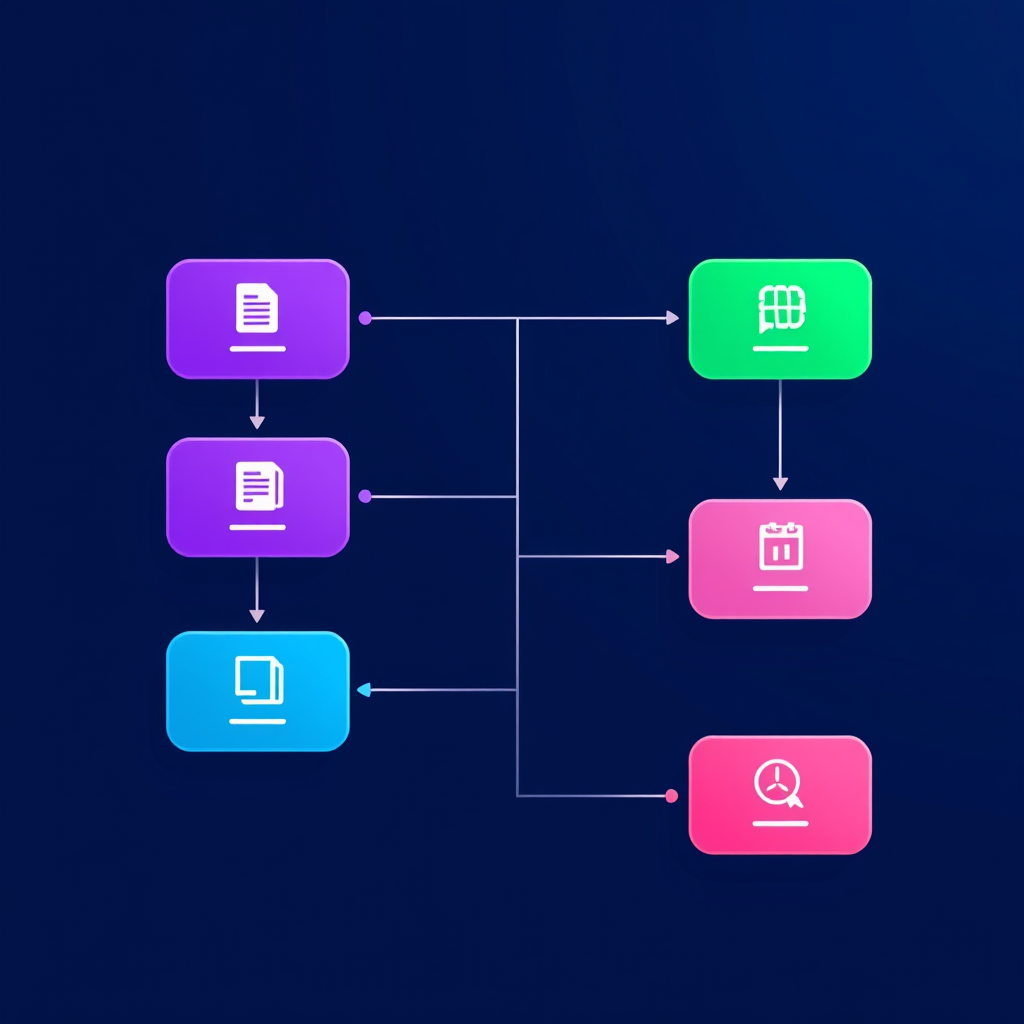
In today's fast-paced business environment, data is king. However, managing that data across disparate systems can quickly devolve into chaos. Spreadsheets, while ubiquitous, often become data silos, disconnected from your core CRM. This disconnect leads to inefficiencies, missed opportunities, and a fragmented view of your customer relationships. At Deepak Automation, we specialize in bridging these gaps. This post details how we leverage n8n to achieve seamless n8n Google Sheets to HubSpot CRM data sync automation, transforming raw spreadsheet data into actionable CRM intelligence.
The Problem: Disconnected Data Streams
Many businesses start with Google Sheets for lead tracking, project management, or customer lists. As they grow, they adopt a robust CRM like HubSpot. The challenge arises when data needs to flow between these two systems. Manual data entry is time-consuming, error-prone, and simply doesn't scale. Imagine updating contact details in HubSpot that were originally entered into a Google Sheet – a tedious process that drains valuable sales and marketing resources.
This is where robust automation becomes critical. We've seen firsthand how this disconnect impacts revenue:
- Delayed Lead Follow-up: Leads in a Google Sheet aren't immediately in HubSpot, delaying crucial first contact.
- Inaccurate Customer Data: Discrepancies between sheet data and CRM data lead to incorrect segmentation and outreach.
- Wasted Resources: Hours spent on manual data migration could be reinvested in strategic activities.
- Missed Upsell/Cross-sell Opportunities: Without a unified view, identifying opportunities becomes difficult.
The Solution: n8n for Intelligent Data Synchronization
n8n is an open-source workflow automation tool that empowers us to build complex integrations without extensive coding. Its visual editor and extensive node library make it ideal for connecting applications like Google Sheets and HubSpot. The power of n8n lies in its flexibility and control, allowing us to define precise logic for data transfer, transformation, and validation.
Building the n8n Workflow: A Step-by-Step Engineering Approach
Let's walk through a typical scenario: syncing new leads from a Google Sheet to HubSpot.
1. Triggering the Workflow: Monitoring Google Sheets
We start by setting up a trigger node in n8n. The Google Sheets node can be configured to poll a specific spreadsheet and worksheet for new or updated rows. We can set the polling interval based on the business's needs – for critical lead data, a 5-minute interval might be appropriate, while less time-sensitive data could be checked hourly.
- Node:
Google Sheets(Trigger mode:New/Updated Rows) - Configuration: Specify the Spreadsheet ID, Worksheet Name, and the columns to monitor. We often use a timestamp column to track the last processed row, ensuring we only process new entries.
2. Data Retrieval and Initial Processing
Once a new row is detected, n8n retrieves the data. At this stage, we might perform some initial data cleaning or transformation. For example, standardizing phone number formats or extracting specific information from a free-text field.
- Node:
FunctionorEdit Fields - Purpose: Data validation (e.g., checking if required fields like email are present), formatting (e.g., date conversions), and enrichment (e.g., looking up company information based on domain).
3. Preparing Data for HubSpot
HubSpot expects data in a specific format. We use n8n's transformation nodes to map the columns from Google Sheets to the corresponding properties in HubSpot CRM (Contacts, Companies, Deals, etc.). This is a crucial step for ensuring data integrity within HubSpot.
- Node:
Edit FieldsorSet - Mapping:
Google Sheet Column 'Full Name'->HubSpot Property 'First Name'andHubSpot Property 'Last Name'Google Sheet Column 'Email Address'->HubSpot Property 'Email'Google Sheet Column 'Company Name'->HubSpot Property 'Company Name'Google Sheet Column 'Lead Source'->HubSpot Property 'Lead Source'
We also handle potential data type mismatches. For instance, if a HubSpot property expects a boolean (true/false) and the Google Sheet contains text like "Yes" or "No", we'll add logic to convert it.
4. Upserting Data into HubSpot
The core of the integration is the HubSpot node. We configure it to perform an "upsert" operation. Upsert means "update or insert." If a contact with the given email address already exists in HubSpot, the node will update their record with the new information from the Google Sheet. If the contact doesn't exist, it will create a new contact record.
- Node:
HubSpot(Operation:Upsert Contact) - Key Field: We typically use the
Emailaddress as the unique identifier for upserting contacts. - Additional Options: We can also configure the node to create associated companies or deals based on the data in the Google Sheet.
5. Error Handling and Notifications
A robust automation isn't just about the happy path; it's about handling failures gracefully. We implement error handling to catch issues during the process (e.g., invalid data, API errors) and notify the relevant team members.
- Nodes:
If(for conditional checks),Send EmailorSlack - Logic: If any node in the primary flow fails, the workflow branches to an error handling path. This path logs the error details and sends a notification to a designated Slack channel or email address, allowing for quick investigation and resolution.
This structured approach ensures that our n8n Google Sheets to HubSpot CRM data sync automation is not only functional but also reliable and maintainable.
Real-World Impact: A Case Study Snippet
We recently implemented a similar workflow for a SaaS client struggling with lead management. They were manually transferring leads from a Google Sheet used by their business development representatives (BDRs) into HubSpot. This process was taking approximately 2-3 hours per day and resulted in an average delay of 4 hours before leads were entered into HubSpot.
The Solution: We built an n8n workflow that:
- Monitored their primary lead tracking Google Sheet every 15 minutes.
- Validated email addresses and company names.
- Mapped sheet columns to HubSpot Contact and Company properties, including custom properties for "Initial Outreach Method" and "BDR Assigned."
- Performed an upsert operation into HubSpot, creating new contacts/companies or updating existing ones.
- Sent a Slack notification to the BDR team lead for any errors or newly created contacts.
The Results:
- Time Saved: Over 15 hours per week of manual data entry eliminated.
- Lead Response Time: Reduced from an average of 4 hours to under 15 minutes.
- Data Accuracy: Improved significantly due to automated validation and transfer.
- ROI: The automation paid for itself within the first month through increased lead conversion rates and improved sales team efficiency.
This is a prime example of how targeted n8n Google Sheets to HubSpot CRM data sync automation can deliver tangible business value. We've also successfully integrated Airtable, other CRMs, and various REST APIs using n8n, demonstrating its versatility.
Beyond Basic Sync: Advanced Automation Possibilities
While syncing new leads is a common use case, n8n's capabilities extend much further:
1. Two-Way Data Synchronization
We can configure workflows for bi-directional sync. For instance, updating a status field in HubSpot could trigger an update back to the corresponding row in Google Sheets. This requires careful handling of potential infinite loops by using unique identifiers and tracking changes.
2. Complex Data Transformations and Enrichment
Leveraging n8n's Function nodes (JavaScript) or integrating with AI services like OpenAI via their APIs, we can perform sophisticated data enrichment. Imagine automatically classifying lead sentiment from notes or generating personalized follow-up email snippets based on CRM data.
3. Workflow Orchestration with HubSpot Workflows
n8n can be triggered by HubSpot Workflows (via webhooks) or trigger HubSpot Workflows. This allows for complex, multi-step processes that span across different applications. For example, a new lead synced from Google Sheets could trigger a HubSpot workflow that assigns the lead to a sales rep, sends an internal notification, and schedules a follow-up task.
4. Integrating with Other Tools
Our expertise isn't limited to Google Sheets and HubSpot. We regularly build n8n workflows integrating with:
- Databases: PostgreSQL, MySQL
- Project Management: Jira, Asana
- Communication: Slack, Microsoft Teams
- Data Warehousing: Snowflake, BigQuery
- Other CRMs: Salesforce, Zoho CRM
- Spreadsheets: Airtable, Microsoft Excel Online
This holistic approach to automation ensures your entire tech stack works in harmony. Explore our Automation Services & Capabilities to see the breadth of solutions we offer.
Why Choose Deepak Automation for Your n8n Integrations?
Implementing automation, especially complex integrations like n8n Google Sheets to HubSpot CRM data sync automation, requires a deep understanding of both the tools and the business processes they support. At Deepak Automation, we bring:
- Engineering Rigor: We approach automation like building robust software systems, focusing on scalability, reliability, and maintainability.
- Deep Tool Expertise: We are experts in n8n, HubSpot, API integrations, and agentic AI workflows.
- Results-Driven Focus: Our goal is to deliver measurable business outcomes – increased efficiency, reduced costs, and improved revenue.
- Custom Solutions: We don't offer one-size-fits-all solutions. We tailor every workflow to your unique business needs.
Ready to Eliminate Data Chaos?
Stop letting manual processes and disconnected data hinder your growth. Transform your operations with seamless automation. Let us help you achieve CRM clarity and unlock your business's full potential.
Book a Free Automation Audit today and discover how Deepak Automation can streamline your workflows.