

Boost Sales Efficiency: Automate Invoicing with n8n & Stripe
Streamline B2B payments and reduce manual effort with a robust n8n and Stripe integration.
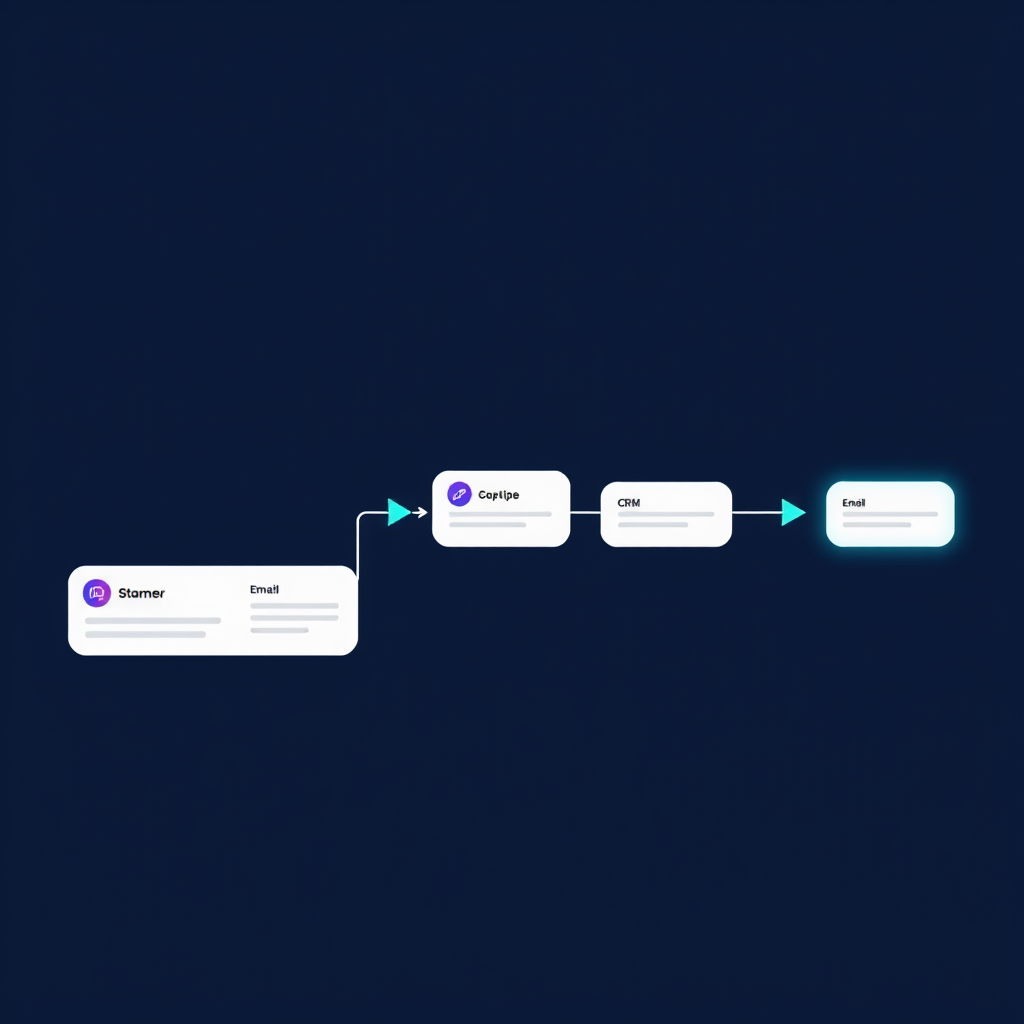
Automating B2B Invoicing: The n8n & Stripe Powerhouse
In the fast-paced world of B2B sales, efficiency isn't just a buzzword; it's a critical driver of profitability. Manual invoicing processes are notorious bottlenecks, consuming valuable sales team time, increasing the risk of errors, and delaying cash flow. At Deepak Automation, we engineer solutions that tackle these challenges head-on. This post details how we leverage n8n and Stripe to build robust, automated invoicing workflows, specifically focusing on the needs of n8n Stripe automated invoicing for B2B operations.
Imagine a scenario where, upon closing a deal in your CRM, an invoice is automatically generated, sent to the client via Stripe, and payment status is tracked without human intervention. This isn't a futuristic dream; it's a practical, implementable system we build for our clients. This article will walk you through the core components, a real-world example, and how you can implement similar efficiencies.
The Core Components: n8n and Stripe
Before diving into the workflow, let's understand the key players:
n8n: The Workflow Orchestrator
n8n is an open-source workflow automation tool that allows you to connect different applications and services to automate tasks. Its visual interface makes it relatively easy to design complex workflows, and its extensive library of nodes (integrations) means it can connect to almost anything. For n8n Stripe automated invoicing for B2B, n8n acts as the central brain, triggering actions based on events and orchestrating data flow between your CRM, Stripe, and other essential systems.
Stripe: The Payment Gateway
Stripe is a leading online payment processing platform. It handles everything from accepting payments via credit cards, bank transfers, and other methods to managing subscriptions, issuing invoices, and providing robust reporting. For automated invoicing, Stripe's API is crucial. It allows n8n to programmatically create invoices, send them to customers, and receive payment status updates.
Building the Automated Invoicing Workflow: A Step-by-Step Engineering Approach
Our approach to building automated invoicing workflows is systematic and iterative. We focus on reliability, scalability, and seamless integration with your existing tech stack.
Step 1: Triggering the Workflow
The most common trigger for an automated invoice is a deal closing in a CRM. We typically integrate with CRMs like HubSpot, Salesforce, or even custom databases.
- HubSpot Integration: Using n8n's HubSpot node, we can set up a webhook or a scheduled poll to detect when a deal stage changes to 'Closed Won'. This event initiates the invoicing process.
- API Triggers: For custom systems, we can expose a REST API endpoint that your application calls when a deal is finalized. n8n listens to this endpoint.
Step 2: Gathering Necessary Data
Once triggered, the workflow needs to collect all information required to create an accurate invoice. This includes:
- Customer Information: Name, billing address, email.
- Product/Service Details: Description, quantity, unit price, applicable taxes.
- Payment Terms: Due date, any early payment discounts.
This data is often pulled from the CRM record associated with the deal. If certain details are missing, the workflow can be designed to pause and notify a sales rep via Slack or email for manual input.
Step 3: Interfacing with Stripe
This is where the core automation happens. We use n8n's Stripe nodes to interact with the Stripe API.
- Customer Creation/Retrieval: If the customer doesn't exist in Stripe, n8n creates a new customer record using the gathered billing information. If they do, it retrieves the existing customer ID.
- Invoice Creation: Using the customer ID and line item details (products/services), n8n creates a draft invoice in Stripe. We can specify the currency, tax rates, and due dates at this stage.
- Sending the Invoice: Once the draft invoice is ready, n8n can be configured to automatically send it to the customer's email address via Stripe's built-in functionality. Alternatively, the workflow can generate a Stripe invoice URL that can be included in a custom email sent through another service.
Step 4: Updating Internal Systems & Notifications
Automation shouldn't stop at sending the invoice. We ensure the entire process is transparent and integrated.
- CRM Update: The n8n workflow updates the deal record in the CRM, adding a link to the Stripe invoice and marking it as 'Invoiced'.
- Internal Notifications: For critical updates, we use Slack nodes to send real-time notifications to the sales or finance team. For example, 'New Invoice Sent: [Customer Name] - [Invoice Number]'.
- Payment Status Tracking: We can set up webhooks in Stripe to notify n8n when an invoice is paid, partially paid, or overdue. This allows the workflow to automatically update the CRM, trigger follow-up actions for overdue payments, or send thank-you notes upon successful payment.
Case Study: Streamlining Subscription Invoicing for a SaaS Client
We recently worked with a growing SaaS company struggling with the manual overhead of invoicing their monthly subscribers. Their process involved exporting data from their billing system, manually creating invoices in Stripe, and tracking payments, which was time-consuming and prone to errors.
The Challenge: High manual effort, delayed cash flow due to slow invoicing, and increased risk of billing errors.
The Solution: We engineered an n8n Stripe automated invoicing for B2B workflow.
- Trigger: A webhook from their subscription management platform (a custom API endpoint) notified n8n when a new subscription was activated or renewed.
- Data Aggregation: n8n fetched customer details from their CRM (HubSpot) and subscription specifics from the webhook payload.
- Stripe Integration: n8n utilized Stripe's API to:
- Create or retrieve the customer in Stripe.
- Generate a recurring invoice based on the subscription plan, including applicable taxes.
- Automatically email the invoice to the customer.
- Post-Invoice Actions: Upon receiving a payment confirmation webhook from Stripe, n8n updated the subscription status in the CRM and sent a confirmation message to the finance team via Slack.
Timeline: The core workflow was developed and tested within two weeks.
Results:
- 80% reduction in manual invoicing time.
- 15% faster cash collection due to immediate invoice delivery.
- Elimination of billing errors related to manual data entry.
- Sales and finance teams could focus on higher-value activities.
This project exemplifies how targeted automation with tools like n8n and Stripe can yield significant operational improvements and financial benefits for B2B businesses.
Why Choose Deepak Automation for Your n8n & Stripe Integration?
Implementing robust automation requires more than just connecting APIs. It demands a deep understanding of business processes, potential pitfalls, and best practices for reliability and scalability. At Deepak Automation, we bring:
- Engineering Rigor: We approach automation projects with the same discipline as traditional software development, focusing on clean code, modular design, and thorough testing.
- Deep Tool Expertise: We have extensive experience with n8n, Stripe, HubSpot, and a wide array of other B2B tools, enabling us to build seamless, integrated solutions.
- Results-Oriented Focus: Our primary goal is to deliver tangible improvements in efficiency, cost reduction, and revenue acceleration for your business. Explore our Automation Services & Capabilities to see how we can help.
Take Control of Your Sales Efficiency
Stop letting manual invoicing drain your resources. Embrace the power of n8n Stripe automated invoicing for B2B to streamline operations, accelerate payments, and empower your sales and finance teams.
Ready to see how automation can transform your business? We offer a complimentary consultation to analyze your current workflows and identify opportunities for significant efficiency gains.
Book a Free Automation Audit today and let's build a more efficient future for your company.