

Automating Lead Qualification with n8n, HubSpot, and Agentic AI
Streamline your sales pipeline by intelligently qualifying leads using n8n, HubSpot, and cutting-edge AI.
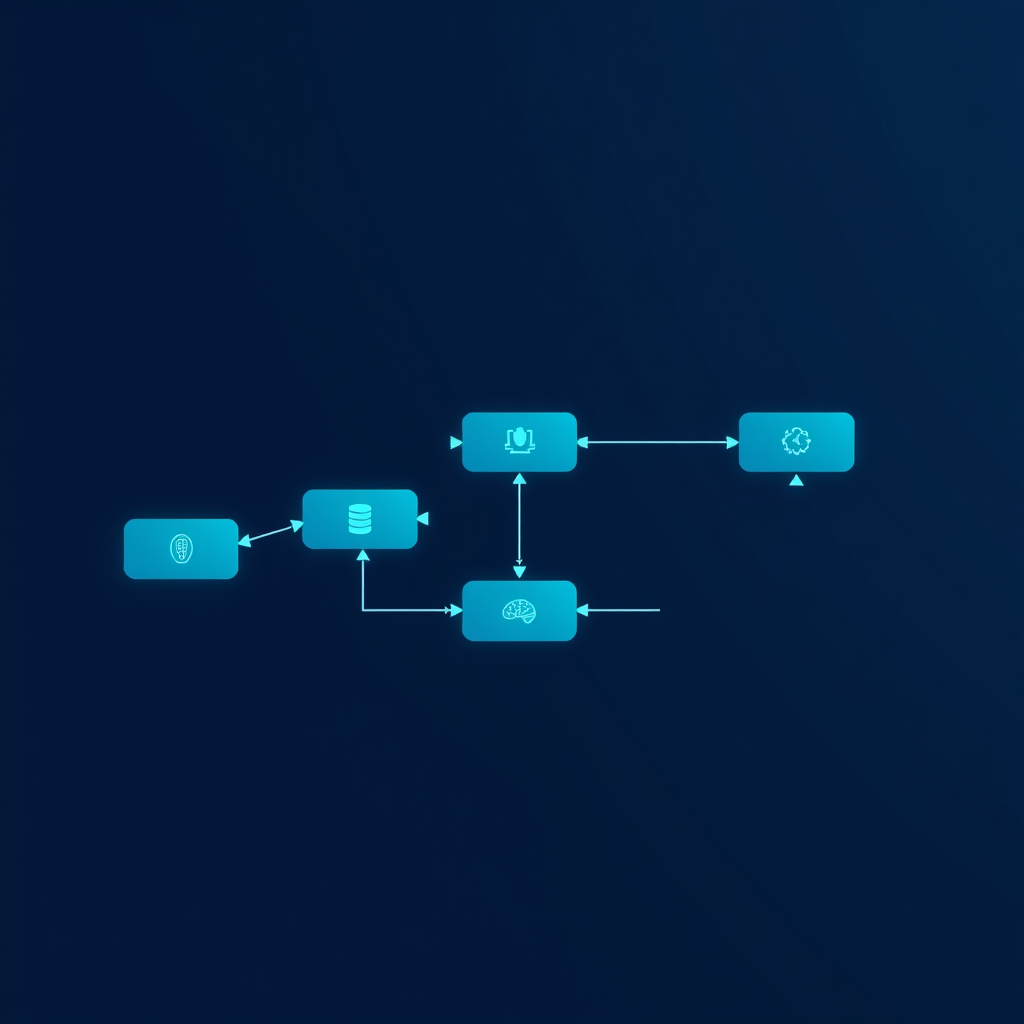
Automating Lead Qualification: A Practical Engineering Approach
In today's fast-paced B2B environment, the ability to quickly and accurately qualify leads is paramount to sales success. Manual processes are slow, prone to error, and divert valuable sales resources from closing deals. At Deepak Automation, we engineer robust solutions that leverage the power of workflow automation and artificial intelligence to transform lead qualification. This post details a real-world system we've built using n8n, HubSpot, and agentic AI to automate this critical process, focusing on the practical implementation and tangible results.
Our primary goal was to reduce the time-to-engagement for high-potential leads while ensuring that only qualified prospects reached the sales team. This involved creating a multi-stage workflow that could ingest lead data, enrich it, assess its fit, and route it accordingly. The core challenge was to move beyond simple rule-based automation and incorporate intelligent decision-making, which is where agentic AI became indispensable.
The Core Components: n8n, HubSpot, and AI
-
n8n: The Workflow Orchestrator
- Role: n8n serves as the central nervous system of our automation. Its visual workflow editor and extensive node library allow us to connect disparate systems and define complex logic without extensive custom coding. For this project, n8n was responsible for:
- Triggering workflows based on new lead entries in HubSpot.
- Fetching lead data from HubSpot.
- Calling external APIs for data enrichment.
- Interacting with AI models for qualification assessment.
- Updating HubSpot records with qualification status and notes.
- Notifying sales teams via Slack.
- Why n8n? Its flexibility, self-hostable option for data privacy, and powerful expression engine make it ideal for complex, multi-step B2B automations. We can easily integrate REST APIs, databases like Airtable, and cloud services.
- Role: n8n serves as the central nervous system of our automation. Its visual workflow editor and extensive node library allow us to connect disparate systems and define complex logic without extensive custom coding. For this project, n8n was responsible for:
-
HubSpot: The CRM Backbone
- Role: HubSpot acts as our primary CRM, housing all lead and customer data. The automation workflow integrates deeply with HubSpot to:
- Receive new lead triggers.
- Create and update contact and company records.
- Log all qualification activities and outcomes.
- Assign tasks to sales representatives.
- Integration: We utilize n8n's native HubSpot nodes, which provide robust capabilities for reading, writing, and updating records via the HubSpot API.
- Role: HubSpot acts as our primary CRM, housing all lead and customer data. The automation workflow integrates deeply with HubSpot to:
-
Agentic AI (OpenAI/LangChain): The Intelligent Qualifier
- Role: This is where the "smart" happens. Instead of static scoring, we employ AI to analyze lead data and make nuanced qualification decisions. We've found success using OpenAI's models (like GPT-4) orchestrated via LangChain.
- Functionality: The AI model is prompted with specific criteria (e.g., company size, industry, role, expressed needs) derived from the lead's data. It then outputs a qualification score and a concise justification.
- Implementation: n8n makes HTTP requests to an API endpoint that hosts our LangChain application. This endpoint receives the lead data, constructs the prompt, queries the AI, and returns the structured response (score and reasoning).
Building the Workflow: A Step-by-Step Engineering Blueprint
Let's break down the core n8n workflow structure:
1. Trigger: New HubSpot Contact
- Node:
HubSpot Trigger(orHubSpot Trigger: New/Updated Record) - Configuration: Set to trigger whenever a new contact is created in HubSpot. We filter for contacts that haven't been qualified yet.
- Output: Raw lead data from HubSpot.
2. Data Enrichment (Optional but Recommended)
- Nodes:
HTTP Request(for services like Clearbit, Hunter.io, or custom internal APIs),Function(for data manipulation). - Purpose: Augment lead data with additional firmographic or contact information. For example, enriching a lead with company size, industry, or website technologies can significantly improve qualification accuracy.
- Example: If a lead's email domain is
example.com, we might use anHTTP Requestnode to query a company data API usingexample.comto retrieve industry and employee count.
3. Prepare AI Prompt
- Node:
FunctionorSetnode. - Logic: Construct a detailed prompt for the AI model. This prompt includes:
- The AI's objective: "Qualify this lead based on the following criteria."
- Qualification criteria: "Ideal customer profile includes companies with 50-500 employees, in the SaaS or Technology sector, with decision-makers in Marketing or Operations roles."
- Lead data: Dynamically insert relevant fields from the HubSpot/enriched data (e.g.,
{{ $json.companySize }},{{ $json.industry }},{{ $json.jobTitle }}). - Desired output format: "Provide a qualification score from 1 to 10 and a brief justification."
- Output: A JSON object containing the structured prompt.
4. Agentic AI Qualification
- Node:
HTTP Request. - Configuration: Pointing to our internal API endpoint that runs the LangChain application. The request body will contain the prepared prompt.
- Authentication: API key or other secure method.
- Output: AI's response, typically JSON like
{"score": 8, "justification": "Lead is a Marketing Manager at a mid-sized SaaS company, aligning well with ICP."}.
5. Process AI Response & Decision Logic
- Nodes:
FunctionorSwitchnode. - Logic:
- Parse the AI's JSON response.
- Use a
Switchnode orIfcondition within aFunctionnode to check thescore. - If Score >= Threshold (e.g., 7): Mark as "Qualified".
- If Score < Threshold: Mark as "Needs Follow-up" or "Not Qualified".
- Output: A flag indicating the qualification status.
6. Update HubSpot
- Node:
HubSpot: Update Record. - Configuration: Update the original contact record in HubSpot.
- Set a custom property like
Lead Qualification Statusto "Qualified" or "Not Qualified". - Add the AI's justification to a
Internal NotesorQualification Notesproperty. - Set a
Qualification Scoreproperty.
- Set a custom property like
- Crucial: This step ensures data integrity and visibility within the CRM.
7. Route Qualified Leads & Notify Sales
- Nodes:
IFnode (orSwitch),HubSpot: Create Task,Slack: Send Message. - Logic:
- If Qualified:
- Create a task in HubSpot assigned to the appropriate sales rep (based on territory, round-robin, etc.).
- Send a Slack notification to the sales channel with key lead details and the AI's justification. Example message:
*New Qualified Lead:* John Doe (Acme Corp) *Role:* Marketing Director *Score:* 9/10 *Justification:* High-fit company size and role. Expressed interest in X. [View in HubSpot](https://app.hubspot.com/contacts/YOUR_PORTAL_ID/contact/{{ $json.hubspotId }})
- If Not Qualified:
- Optionally, add to a nurture campaign or simply close the loop.
- If Qualified:
Real-World Results and Impact
Implementing this automated lead qualification system has yielded significant improvements for our clients:
- Reduced Response Time: Qualified leads are identified and routed to sales within minutes of entry, rather than hours or days.
- Increased Sales Efficiency: Sales reps spend less time sifting through unqualified leads and more time engaging with high-potential prospects. This directly impacts pipeline velocity.
- Improved Data Quality: Consistent, automated data entry and enrichment reduce manual errors.
- Scalability: The system scales effortlessly with increasing lead volume, unlike manual processes.
One client, a SaaS provider, reported a 25% increase in qualified leads reaching the sales team within the first quarter of implementation, alongside a 15% reduction in average lead response time. The AI's ability to provide justification also helped sales reps tailor their initial outreach more effectively.
Considerations for Implementation
- Data Privacy: Ensure compliance with GDPR, CCPA, etc. Self-hosting n8n can be crucial for sensitive data.
- AI Prompt Engineering: The quality of the AI's output is highly dependent on the prompt. Iterative refinement is key.
- Threshold Tuning: The qualification score threshold needs to be adjusted based on business goals and sales team capacity.
- Error Handling: Implement robust error handling within n8n to catch API failures or unexpected data formats.
- Monitoring: Regularly monitor workflow execution and AI output for drift or anomalies.
Conclusion: Empowering Sales with Intelligent Automation
Automating lead qualification is no longer a luxury but a necessity for competitive B2B sales teams. By strategically combining the workflow power of n8n, the CRM capabilities of HubSpot, and the intelligent decision-making of agentic AI, businesses can create a highly efficient, scalable, and effective lead qualification engine. This approach not only saves time and resources but also ensures that sales efforts are focused on the most promising opportunities.
Ready to transform your lead qualification process? At Deepak Automation, we specialize in engineering these sophisticated, results-driven automation solutions. Explore our Automation Services & Capabilities to see how we can help your business thrive.
Take the Next Step
Don't let valuable leads slip through the cracks. Let us analyze your current processes and identify opportunities for intelligent automation. Book a Free Automation Audit today and discover how Deepak Automation can engineer a custom solution for your unique needs.