

Unlock Your Team's Potential: Automate Repetitive Tasks in Notion with n8n
Streamline your Notion workflows and boost productivity with powerful n8n automation.
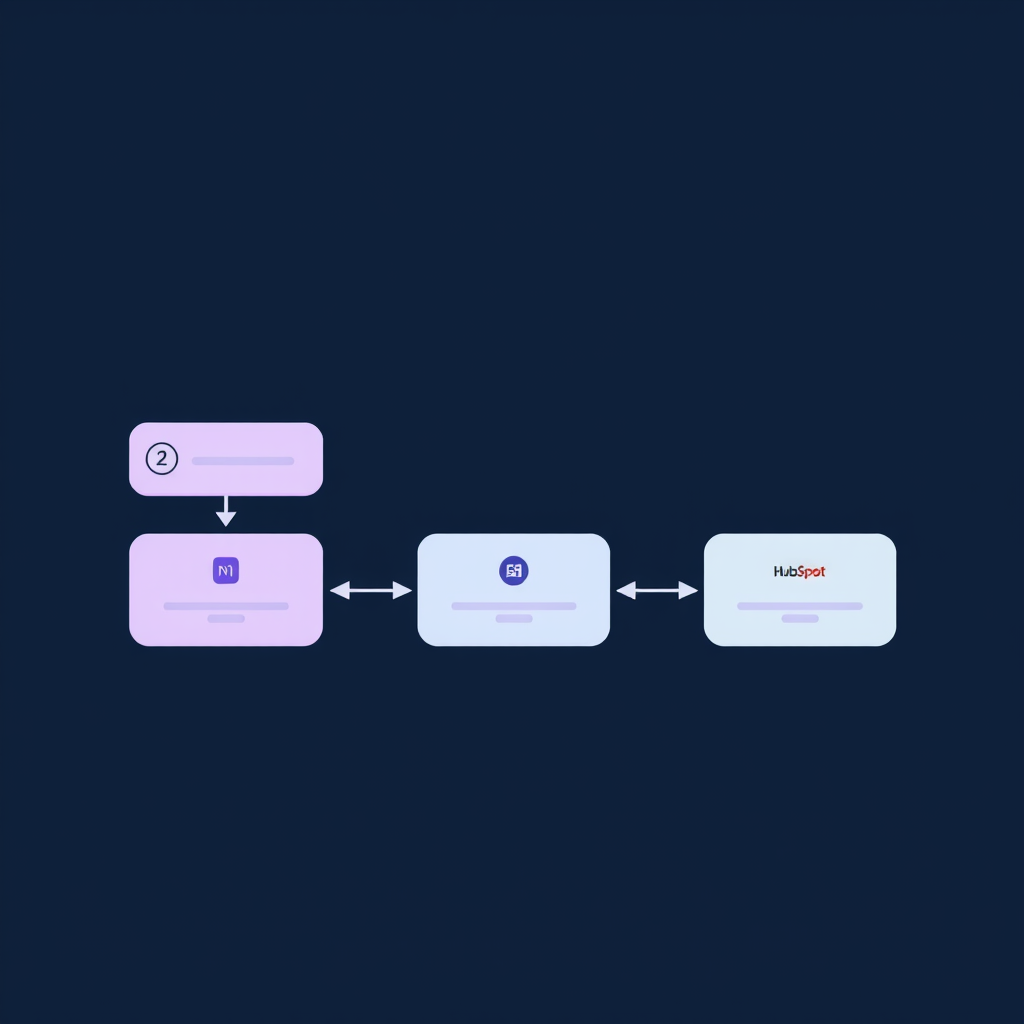
Automating Notion: From Manual Drudgery to Seamless Operations
In today's fast-paced business environment, efficiency isn't just a buzzword; it's a critical differentiator. Teams often find themselves bogged down by repetitive, manual tasks within their project management and knowledge base tools. Notion, a powerful and flexible workspace, is a prime candidate for automation. However, unlocking its full potential requires moving beyond manual data entry and status updates. This is where n8n workflow automation for Notion task management becomes indispensable. At Deepak Automation, we engineer robust solutions that transform how teams interact with their data, freeing up valuable human capital for strategic initiatives.
This post will dive deep into practical strategies for automating repetitive tasks in Notion using n8n. We'll cover how to set up key workflows, illustrate with a real-world example, and demonstrate the tangible benefits of such automation.
Why Automate Notion Tasks?
Notion's strength lies in its adaptability. You can build databases, project trackers, wikis, and more. Yet, without automation, managing these structures can become a bottleneck. Consider these common pain points:
- Manual Data Entry: Copying information between Notion pages, databases, or external tools.
- Status Updates: Manually changing task statuses, assigning owners, or updating progress bars.
- Notifications: Forgetting to alert team members about deadlines, assignments, or changes.
- Reporting: Compiling data from various Notion databases for weekly or monthly reports.
- Onboarding/Offboarding: Setting up new projects or archiving old ones with consistent structures.
These tasks, while seemingly small, accumulate significant time and increase the risk of human error. n8n workflow automation for Notion task management directly addresses these inefficiencies.
Getting Started with n8n and Notion
n8n is an open-source workflow automation tool that allows you to connect different applications and services to automate tasks. Its visual interface makes it accessible, while its extensibility via custom nodes and JavaScript allows for complex, tailored solutions. Integrating n8n with Notion is straightforward, primarily leveraging Notion's official API.
Prerequisites:
- n8n Instance: You'll need an n8n instance running. This can be self-hosted or via their cloud offering.
- Notion Account: Access to your Notion workspace.
- Notion Integration: Create a Notion integration to get an API key. This involves going to your Notion settings -> Integrations -> Develop your own integrations. Give it a name (e.g., 'Deepak Automation n8n Bot') and select the workspace it should have access to. Crucially, you'll need to share the specific Notion pages or databases you want to automate with this integration.
- Notion API Key: Once the integration is created, you'll receive an internal integration token (starts with
secret_...). Keep this secure.
Setting Up the Notion Node in n8n
Within n8n, you'll use the 'Notion' node. When configuring it, you'll need to provide your Notion API key. The node allows you to perform various operations:
- Create Page: Add new entries to databases or create standalone pages.
- Update Page: Modify existing pages or database entries.
- Get Page(s): Retrieve data from Notion.
- Query Database: Fetch specific items from a Notion database based on filters.
- Delete Page: Remove entries.
Practical n8n Workflows for Notion Task Management
Let's explore some concrete examples of n8n workflow automation for Notion task management.
Workflow 1: Automated Task Creation from New Leads (HubSpot to Notion)
Scenario: When a new lead is created in HubSpot, automatically create a corresponding task in a 'New Leads' database in Notion for the sales team.
Tools: HubSpot, n8n, Notion
Steps:
- HubSpot Trigger: Use the 'HubSpot' node in n8n, configured with a 'New Object' trigger for 'Contacts'. This node will fire whenever a new contact is added to HubSpot.
- Data Mapping: Extract relevant information from the HubSpot contact (Name, Email, Company, Lead Source) using an 'Edit Fields' or 'Function' node in n8n.
- Notion Create Page: Use the 'Notion' node. Select the 'Create Page' operation. Configure it to point to your 'New Leads' database in Notion. Map the fields from the HubSpot contact data to the corresponding properties in your Notion database (e.g., 'Name' to 'Contact Name', 'Email' to 'Email', 'Company' to 'Company Name', 'Lead Source' to 'Source').
- Optional: Slack Notification: Add a 'Slack' node to send a notification to the sales channel in Slack, mentioning the new lead and linking to the newly created Notion page.
Outcome: Sales reps are immediately notified of new leads directly within their Notion task management system, reducing response time and ensuring no lead falls through the cracks.
Workflow 2: Daily Task Summary and Reminders (Notion to Slack)
Scenario: Generate a daily digest of tasks due today or overdue from a Notion 'Tasks' database and send it to relevant team members via Slack.
Tools: n8n, Notion, Slack
Steps:
- Schedule Trigger: Use the 'Cron' node in n8n to set the workflow to run daily at a specific time (e.g., 8:00 AM).
- Notion Query Database: Use the 'Notion' node with the 'Query Database' operation. Filter the 'Tasks' database for items where the 'Due Date' property is today or in the past, and the 'Status' is not 'Completed'.
- Data Processing (Function Node): Use a 'Function' node (or 'Function Item' for simpler cases) to format the retrieved tasks. Group them by assignee, create a clear summary string for each task (e.g., "- [Task Name] (Due: [Due Date])").
- Iterate and Send: If tasks are found, use an 'Item Lists' -> 'Split In Batches' node to group tasks by assignee. Then, use a 'Slack' node for each assignee, sending them their personalized list of tasks due today or overdue.
Outcome: Team members receive timely reminders, improving task completion rates and project adherence. This proactive approach minimizes missed deadlines.
Workflow 3: Syncing Project Status (Notion to Google Sheets)
Scenario: Automatically update a Google Sheet with the status of key projects tracked in a Notion database for executive reporting.
Tools: n8n, Notion, Google Sheets
Steps:
- Schedule Trigger: Use the 'Cron' node to run the workflow periodically (e.g., hourly or daily).
- Notion Query Database: Use the 'Notion' node to fetch all relevant project entries from your 'Projects' database. Include properties like 'Project Name', 'Status', 'Project Manager', 'Last Updated'.
- Google Sheets Upsert: Use the 'Google Sheets' node. Configure it for an 'Upsert' operation. Use 'Project Name' as the key column to match existing rows. Map the Notion properties to the corresponding columns in your Google Sheet. If a project exists, it updates; if not, it creates a new row.
Outcome: A real-time, accurate dashboard of project statuses is maintained in Google Sheets, simplifying reporting and providing stakeholders with up-to-date information without manual intervention.
A Real-World Implementation: Automating Content Calendars
At Deepak Automation, we recently implemented a complex n8n workflow automation for Notion task management for a content marketing agency. Their challenge was managing a dynamic content calendar spread across multiple Notion databases (Blog Posts, Social Media, Email Campaigns) and ensuring timely creation, review, and publication.
The System:
- Core Database: A central 'Content Calendar' database in Notion with properties like 'Content Title', 'Type' (Blog, Social, Email), 'Status' (Draft, Review, Scheduled, Published), 'Due Date', 'Assignee', 'Publication Date'.
- n8n Workflow: A multi-step n8n workflow triggered by changes in the 'Content Calendar' database.
Key Automations Engineered:
- Automated Review Assignments: When a 'Content Title' was added and 'Type' was set to 'Blog', and 'Status' was 'Draft', the workflow automatically assigned the task to the 'Content Reviewer' and set a 'Review Due Date' 3 days prior to the 'Publication Date'. This used the 'Notion' node (Query Database, Update Page) and a 'Function' node for date calculations.
- Slack Notifications: When a piece of content moved to 'Review' status, a notification was sent to the assigned reviewer in Slack, including a direct link to the Notion page. This involved the 'Notion' node (Get Page) and the 'Slack' node.
- Cross-Database Sync: If a 'Blog Post' was approved, the workflow automatically created associated 'Social Media Promotion' entries in a separate 'Social Media' database, pre-populated with the blog title and a link.
- Publication Reminders: 24 hours before the 'Publication Date', a reminder was sent to the content manager and the assigned social media manager.
Tools Used: n8n, Notion, Slack, Google Sheets (for fallback reporting).
Results:
- Time Saved: Estimated 15+ hours per week previously spent on manual tracking, assignments, and notifications.
- Reduced Errors: Near-elimination of missed deadlines and incorrect assignments.
- Improved Collaboration: Clearer communication and task visibility through integrated Slack notifications.
- Faster Content Velocity: The team could publish content more consistently and efficiently.
This case highlights how sophisticated n8n workflow automation for Notion task management can yield significant operational improvements.
Beyond Basic Automation: Agentic AI and Advanced Integrations
While the examples above focus on direct task automation, n8n's capabilities extend much further. We can integrate agentic AI models (like those from OpenAI via LangChain) to perform more complex tasks within your Notion workflows:
- Content Summarization: Automatically summarize long articles or meeting notes stored in Notion.
- Draft Generation: Use AI to generate initial drafts for blog posts or social media updates based on prompts stored in Notion.
- Data Analysis: Analyze trends within Notion databases and generate insights.
- Automated Email Responses: Trigger AI to draft responses to customer inquiries logged in Notion.
These advanced capabilities, combined with robust API integrations (e.g., connecting Notion to CRMs like HubSpot, ERP systems, or custom applications), create truly powerful, end-to-end automated systems. Our expertise at Deepak Automation lies in architecting and implementing these complex integrations.
Conclusion: Empower Your Team with Automation
Repetitive tasks are a drain on your team's creativity and productivity. By leveraging n8n workflow automation for Notion task management, you can reclaim valuable time, reduce errors, and empower your team to focus on what truly matters. From simple data syncing to complex AI-driven processes, n8n provides the flexibility and power to tailor automation to your unique needs.
If you're looking to streamline your operations, eliminate manual bottlenecks, and unlock the full potential of your team and tools like Notion, it's time to consider a strategic automation approach. Let us help you engineer the perfect solution.
Ready to Automate?
Don't let manual tasks hold your team back any longer. Discover how tailored automation can transform your workflows. Book a Free Automation Audit with our experts today and let's build a more efficient future for your business.